
Why Does Apple Watch Syncing Matter for Trainers and Clients?
It matters because the data your client's Apple Watch collects is only useful if it actually reaches you. Wearable adoption has grown fast enough that most of your clients likely already own one. Rock Health's 2025 Consumer Adoption Survey found that 46% of U.S. respondents own a wearable device, and 57% own at least one wearable or other connected health device, up sharply from 13% just a decade earlier.
That data matters for more than curiosity. Research on activity trackers published in a peer-reviewed study on PubMed Central identifies an extrinsic accountability mechanism, such as a personal trainer or an activity tracker, as one of the key factors that supports sustained exercise engagement. A trainer who can see a client's actual step count, heart rate, and workout history has a real accountability tool. A trainer who can't see any of it is coaching blind between sessions.
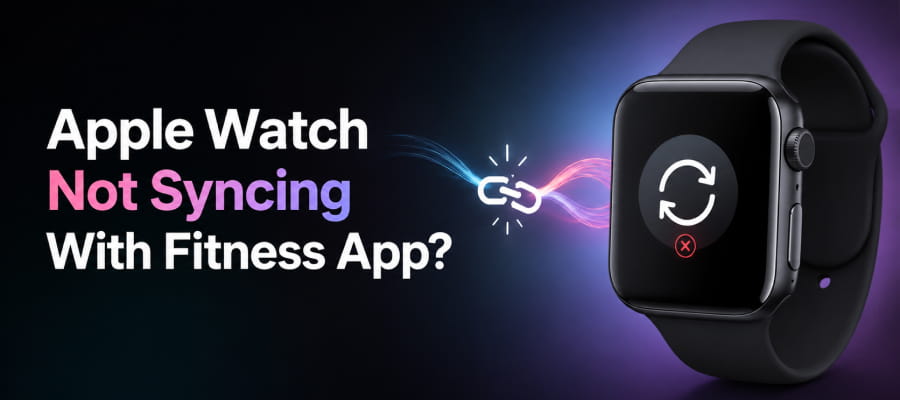
Why Is My Apple Watch Not Syncing With Fitness App Data?
It usually comes down to one of a handful of causes on the iPhone side, not a problem with the app itself. Apple Watch data doesn't go directly to a fitness app; it goes to Apple Health first, and any app you use pulls from Apple Health through Apple's HealthKit framework. If that pipeline breaks anywhere, syncing stops. Here are the four most common scenarios, in the order worth checking them.
Scenario 1: Health Permissions Aren't Fully Enabled
An app can only read the specific data types you've explicitly allowed inside Apple Health. If Steps, Workouts, or Heart Rate were never toggled on for that app, or got switched off during an update, the app has no way to pull that data even though it's sitting right there in Apple Health.
Scenario 2: Background App Refresh Is Turned Off
If Background App Refresh is disabled for the app, it can't pull new data until you physically open it. This is one of the most common causes of "delayed" syncing, where data eventually shows up but only after you launch the app manually.
Scenario 3: Bluetooth Connection Between iPhone and Apple Watch Dropped
Apple Watch data has to travel to the iPhone before it ever reaches Apple Health. A weak or dropped Bluetooth connection between the two devices interrupts that handoff, which stalls the sync before it even gets to the app layer.
Scenario 4: The Phone Needs a Restart
Occasionally, a stuck background process on the iPhone itself is the culprit. A restart clears it. This is usually the fix when the first three scenarios all check out fine and data still isn't moving.
None of these four scenarios are unique to any single app. They describe how Apple's health data pipeline works across the entire iOS ecosystem, not a quirk of any particular training app.
How Does FitBudd Connect With Apple Health?
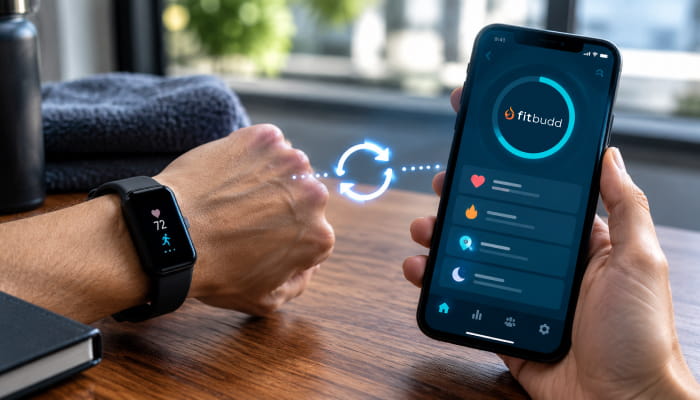
It connects the same way most training apps do, through Apple's HealthKit. Here's how the integration works and how to set it up:
- Platform coverage on iOS: FitBudd integrates directly with Apple Health to automatically sync health and fitness data from a connected Apple Watch, with additional support for Fitbit devices.
- Platform coverage on Android: The equivalent integrations run through Google Fit, which also covers Fitbit, Garmin, and Samsung Health data.
- Open the FitBudd app and go to Profile, then tap Connected Apps to see the full list of integrations available to you.
- Choose your platform: select Apple Health on iOS, or Google Fit or Fitbit on Android.
- Follow the on-screen prompts to allow the connection. Once approved, syncing runs automatically in the background.
How to Fix Apple Watch Sync Issues With FitBudd
Match your scenario from above to the fix below, and work through them in order if you're not sure which one applies.
If you've worked through the full table and data still isn't coming through, the issue is more likely on Apple's side than the app's, since HealthKit syncing between the Watch and iPhone happens outside of any individual app's control.
Get Started
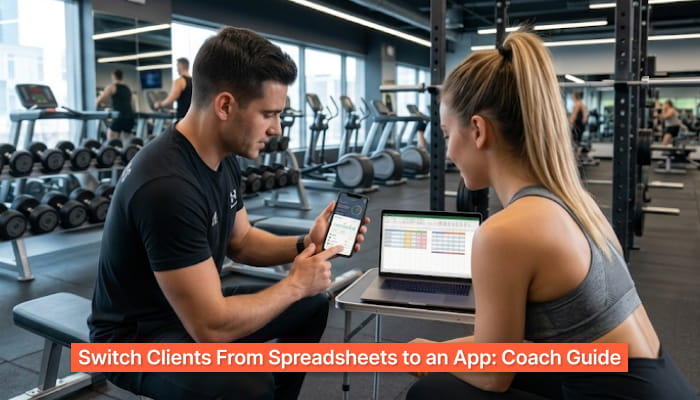
If you're relying on client-reported numbers because the sync never worked properly, that's a gap worth closing. The Apple Health integration comes standard on every plan, so you can see how it fits into the full pricing and feature set before deciding.
Start your 30-Day Free Trial. No credit card required.